Is Your Internal Storage Full? 3 Ways to Move Impossible Apps to SD Card
Stop the "Storage Full" error with 3 ways to move apps to your SD card in 2026. Learn the hidden Developer Mode hack and how to use Adoptable Storage for locked apps.
 Hitesh
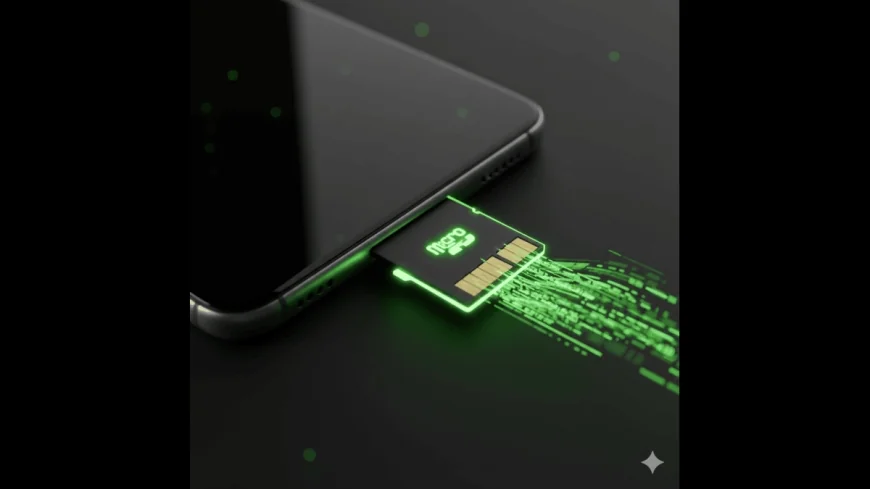
In 2026, even with 256GB base storage becoming common, high-fidelity games and 4K video caches can fill up your phone in weeks. The most frustrating part? Many apps are "locked" to your internal storage, leaving your 512GB SD card sitting empty. If you are tired of the "Storage Space Running Out" notification, here are three proven ways to force those "impossible" apps onto your microSD card.
1. The "Force Allow Apps on External" Hack
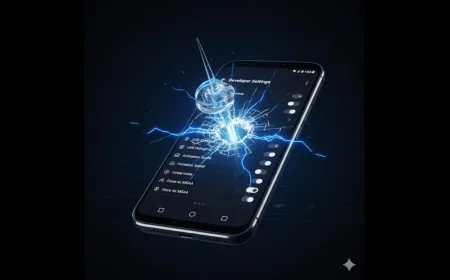
Android has a hidden setting that overrides an app's developer-coded restriction to stay on internal storage.
-
Unlock Developer Options: Go to Settings > About Phone and tap Build Number 7 times
-
The Switch: Enter Developer Options and scroll to the bottom. Find and toggle "Force allow apps on external."
-
The Move: Now, go to Settings > Apps, select your target app, tap Storage, and you should see a "Change" button that wasn't there before
2. Adoptable Storage (The Seamless Merge)
If you have a high-speed (Class 10 or UHS-3) SD card, you can "merge" it with your internal memory. This makes the phone treat the SD card as part of the system drive.
-
Insert your SD card and go to Storage Settings.
-
Select the SD card, tap the three dots, and choose "Format as internal."
-
Warning: This will wipe the SD card. Once done, the system will automatically distribute apps and data across both drives based on usage.
3. The Symlink Method (Root Required)
For power users with rooted devices, apps like Link2SD or App2SD remain the gold standard in 2026. These apps create a "symbolic link." The system thinks the app is in the internal memory, but the actual heavy data resides on a second partition on your SD card. This is the only way to move system-heavy apps without breaking their background functionality or widgets.